The Async Work Playbook: How to Reduce Meetings by Writing Better Status Updates
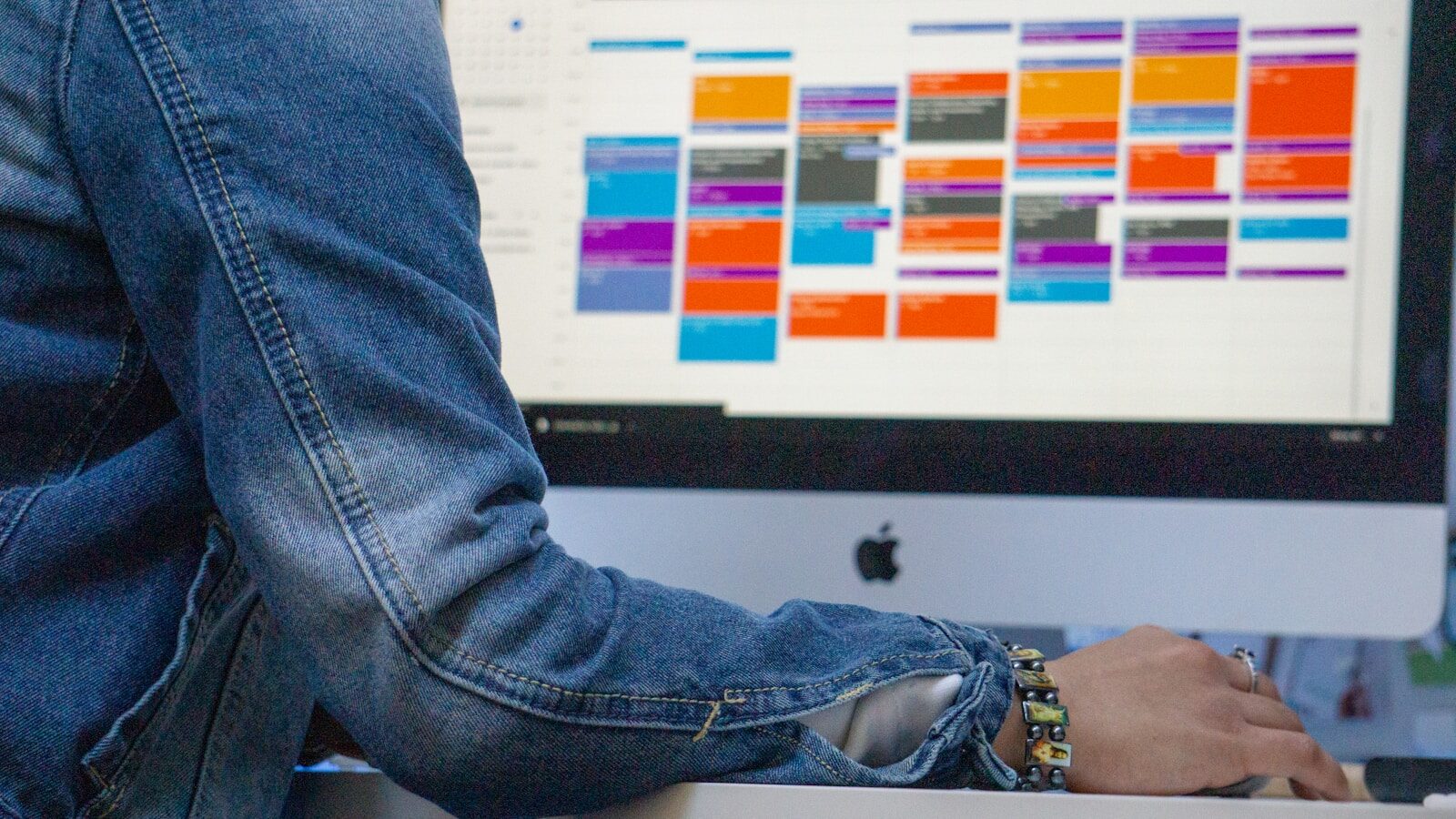
We have all been there. You look at your calendar on a Tuesday morning, and it is just a solid block of overlapping squares. Your first thought? When am I actually supposed to get my work done?
The biggest culprit is usually the dreaded “status update” meeting. Five people sit in a circle, half-listening, while everyone takes turns listing out what they did yesterday. It drains your energy and eats up hours of your week.
But you cannot just stop communicating. Stakeholders need to know what is happening, and teams need to stay aligned. The secret to killing those meetings isn’t doing less communication—it is doing it better, asynchronously.
Here is how to write status updates so good that your team will happily cancel their next live sync.
1. Ditch the Laundry List (Focus on Impact)
Most status updates are just a chronological list of tasks. “I checked emails. I filled out the spreadsheet. I talked to Bob.” Honestly? No one cares about the grocery list of your day. They care about progress.
Instead of listing what you did, focus on what you moved forward.
Shift your mindset from tracking hours to tracking milestones. Did a project stage wrap up? Is a blocker finally cleared? Keep the focus on outcomes. Your stakeholders will thank you for saving them the mental math of figuring out if a project is actually on time.
2. Use the “Traffic Light” Framework
People are busy. If your update looks like a wall of text, they will skim it, miss something important, and schedule a meeting anyway. You want to give them the bottom line in exactly two seconds.
Try using a simple Red, Yellow, Green system at the very top of your update:
- 🟢 Green: Everything is on track. No help needed.
- 🟡 Yellow: We have a minor hiccup or a potential delay, but we are handling it.
- 🔴 Red: We are blocked, or a deadline is going to miss. I need intervention.
This lets managers and stakeholders instantly filter their attention. If they see a green light, they can breathe easy and move on. If they see red, they know exactly where to dive in.
3. The Three-Part Async Template
When you sit down to type your weekly or daily update, stop staring at a blank page. Use this quick, three-part framework to keep things punchy and structured:
- The Big Win: What is the single most important thing completed since the last update? (Keep this to one or two sentences).
- The Next Milestone: What is the immediate priority right now? This keeps you accountable and lets the team know what to expect next.
- The Friction: Are you waiting on someone else? Is a tool broken? Name your blockers explicitly so people can step in and help.
Pro-Tip: If you are mentioning a specific document, design file, or code repository, link it directly in the text. Never make a stakeholder hunt for a link.
4. Write Like a Human, Not a Corporate Robot
You do not need to sound like an academic paper to be professional. Write the way you talk.
Instead of saying, “We are currently optimizing our operational efficiencies regarding the distribution pipeline,” just say, “We are fixing the shipping bottleneck.”
Clear trumps clever every single time. Use short sentences. Use active verbs. If you find yourself typing a sentence that you would never actually say out loud to a colleague over lunch, delete it and try again.
Shifting to an async-first culture takes a little practice, but the payoff is massive. You get deep, uninterrupted focus time back in your day, and your team stays perfectly informed without the calendar fatigue.
What is the biggest time-waster on your calendar right now? Let me know in the comments below—I’d love to hear how you are tackling meeting overload.