
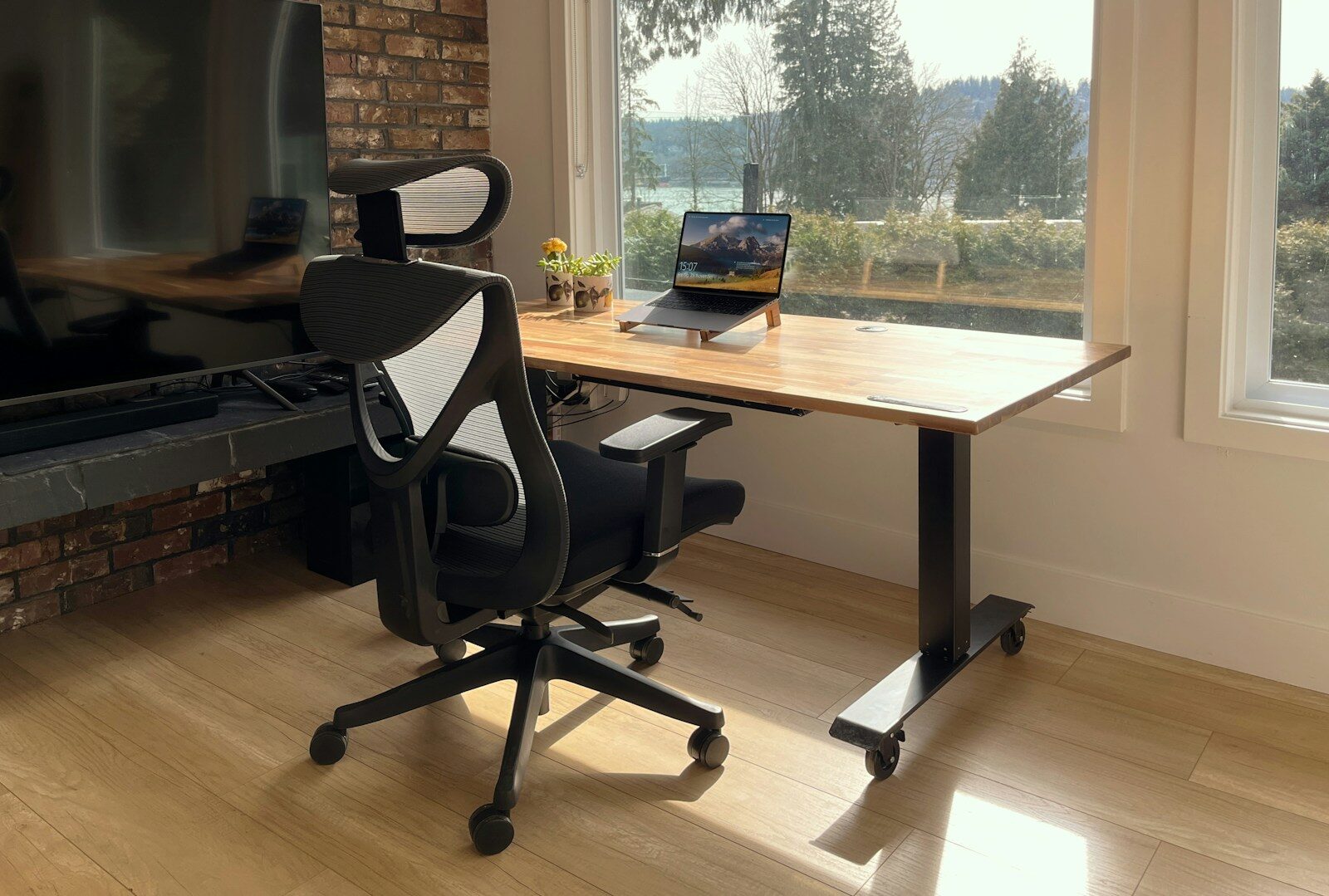
How to Build an Ergonomic Workstation Without Dropping $1,000 on a Chair
You are halfway through your workday, and there it is again—that dull, familiar ache right between your shoulder blades, accompanied by a stiff lower back. It is incredibly distracting.
If you look up how to fix it, the internet immediately tells you to buy a high-end designer office chair that costs more than your monthly mortgage payment. It is frustrating. They make it feel like proper spine alignment is a luxury only tech executives can afford.
But here is the truth: ergonomics isn’t about owning a thousand-dollar chair. It is simply about the geometric relationship between your body, your screen, and your desk. With a few cheap tweaks and some items you probably already own, you can completely fix your posture issues without emptying your bank account.
1. Hack Your Current Chair’s Lumbar Support
If your current office chair curves outward or sags, your lower back collapses into a slouch. This puts an immense amount of pressure on your spinal discs.
You don’t need a new chair to fix this. Take a standard bath towel, fold it in half lengthwise, and roll it up tightly into a firm cylinder. Secure it with two rubber bands.
Place this rolled towel horizontally right at the small of your back, just above your belt line, when you sit down. It forces your pelvis forward and naturally restores the healthy, inward curve of your spine. If you want a more permanent look, a basic memory-foam lumbar cushion online costs less than twenty dollars.
2. Elevate Your Screen to Eye Level
If you are working directly on a laptop resting flat on your desk, you are tilting your head downward all day. Your head weighs roughly ten to twelve pounds. Tilting it forward at a forty-five-degree angle makes it feel like sixty pounds to your neck muscles. No wonder your shoulders ache.
Your monitor or laptop screen should be positioned so the very top line of text is sitting directly at eye level.
You do not need an expensive metal arm for this. A stack of sturdy hardcover books, a couple of old storage boxes, or a cheap fifteen-dollar wooden monitor riser works perfectly. Raise that screen up so your chin stays level with the floor.
3. Separate Your Keyboard and Mouse
Once you raise your laptop screen to the correct height, typing directly on its keyboard becomes impossible. Your hands would be floating awkwardly in mid-air, which destroys your wrists.
The secret to a cheap ergonomic build is separating your display from your inputs.
Buy a budget-friendly external wireless keyboard and mouse. You can find highly reliable sets for under thirty dollars. Place them flat on your desk so your elbows can rest at a relaxed ninety-degree angle by your sides while you type.
4. Ground Your Feet
If your chair is adjusted to the right height for your desk but your feet are dangling or barely touching the floor, your thighs will press hard against the front edge of the seat. This restricts blood circulation and strains your lower back.
Your feet need to be completely flat on a solid surface to distribute your body weight evenly.
If your legs don’t comfortably reach the floor after adjusting your chair, look around the house. A sturdy yoga block, a thick old textbook, or even a firm shipping box stuffed with packing paper makes an excellent impromptu footrest.
Small Tweaks, Big Relief
Ergonomics is really just a game of inches. By propping up your screen, rolling up a towel for your back, and spending a tiny fraction of what a designer chair costs on a basic external keyboard, you can eliminate the physical stress on your body. Your back and your wallet will thank you.
Have you tried any DIY hacks to make your workspace more comfortable, or are you currently battling a specific desk-induced ache? Let me know what your setup looks like in the comments below.